-80%
builtai deals 추적
Creature Hunt
Steam🌐 전 세계⚡ 즉시 확인
★ 대체로 부정적· 25개 (긍정 28%)
액션어드벤처인디시뮬레이션
게임 설명
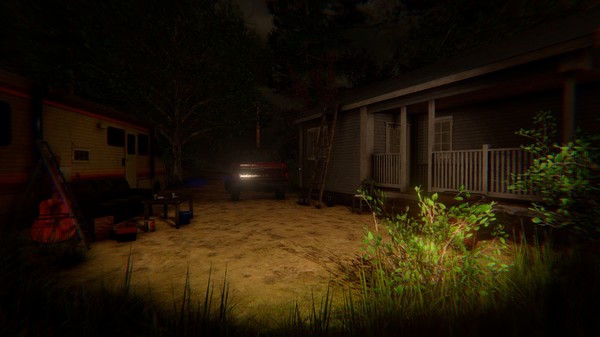
Creature Hunt is a combination of a survival horror and a hunting simulator. According to some articles in the local press, a few days ago several bodies of dead tourists were found in the woods of North Carolina.
더보기 ↓
상세 설명
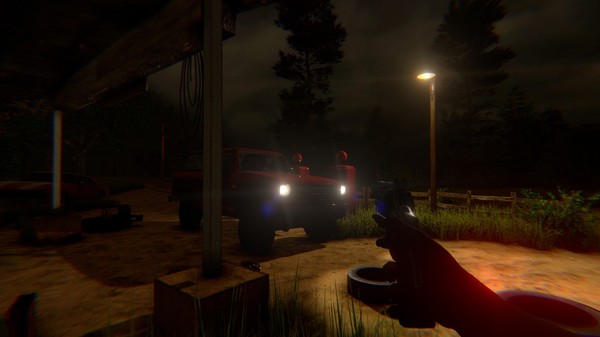
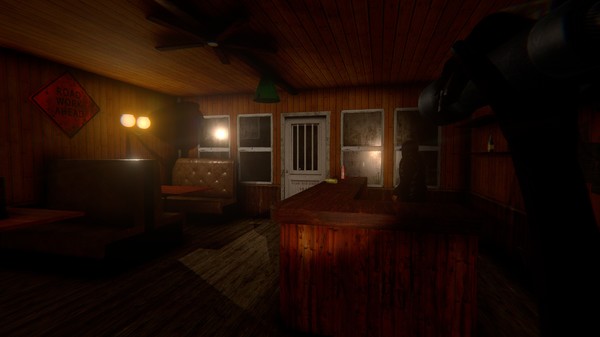
Creature Hunt is a combination of a survival horror and a hunting simulator. According to some articles in the local press, a few days ago several bodies of dead tourists were found in the woods of North Carolina. And yesterday, another tourist said that he had seen a beast there, and it had had nothing in common with any of the known species. You are supposed to play as the sister of one of those who were killed. Your house is located in those woods, and you are going to trace and kill the beast. At home, you have to pack all the things you might need, such as weapons and ammunition, medicines, video cameras, etc. – everything that might be necessary during the hunt, and to start out searching for the beast then. Besides, you might also need your car there. If you get scared, you can go back home any time, for it is always the safest place...
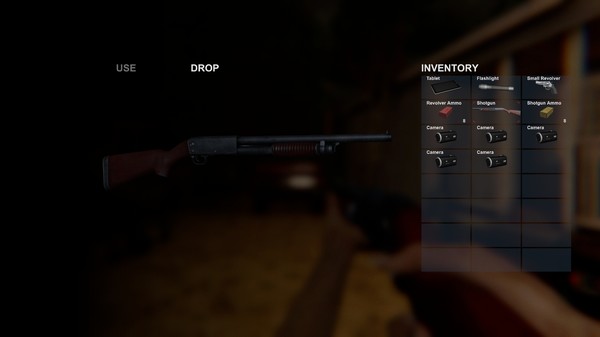
The items you pick up are shown in your inventory. To call the inventory, use the Tab button.
Once you install your camera, its location will be shown on the map and on your computer screen. The cameras are equipped with motion sensors. When a camera sees a moving object, you will see this camera’s icon blinking on your computer screen. Remember that cameras react to all kinds of moving objects, whether it is you or some wild animals.
To interact with the objects, use the E key.
To start or to stop the engine of your car, use the G key. To turn the headlights of your car on or off, use the L key.
The items you pick up are shown in your inventory. To call the inventory, use the Tab button.
Once you install your camera, its location will be shown on the map and on your computer screen. The cameras are equipped with motion sensors. When a camera sees a moving object, you will see this camera’s icon blinking on your computer screen. Remember that cameras react to all kinds of moving objects, whether it is you or some wild animals.
To interact with the objects, use the E key.
To start or to stop the engine of your car, use the G key. To turn the headlights of your car on or off, use the L key.
트레일러
스크린샷
게임 정보
- 제목
- Creature Hunt
- 출시일
- 2019년 4월 10일
- 개발사
- Bisquit Play
- 배급사
- Bisquit Play
- 지원 플랫폼
- Windows
- 장르
- 액션어드벤처인디시뮬레이션
- 기능
- 싱글 플레이어가족 공유
- 지원 언어
- 영어*
*음성이 지원되는 언어
시스템 요구 사항
최소 사양
최소:
- 운영 체제 *: Windows XP, 7, 8, 10
- 프로세서: Dual Core 2.4 GHz
- 메모리: 2 GB RAM
- 그래픽: GeForce GTX 550
- 저장 공간: 1 GB 사용 가능 공간
권장 사양
권장:
- 운영 체제 *: Windows XP, 7, 8, 10
- 프로세서: Dual Core 2.4 GHz
- 메모리: 4 GB RAM
- 그래픽: GeForce GTX 970
- 저장 공간: 1 GB 사용 가능 공간